You’ve Made It to the Final Tutorial!
Congratulations on reaching the last tutorial of this course! To wrap things up, we’ll explore:
- Gemini’s unique features
- Clever tips and tricks to try
By now, you’re well on your way to becoming a Gemini power user. In this final lesson, we’ll unlock some of Gemini’s new features and techniques to help you expand the scope of your interactions.
5 Unique Features of Gemini
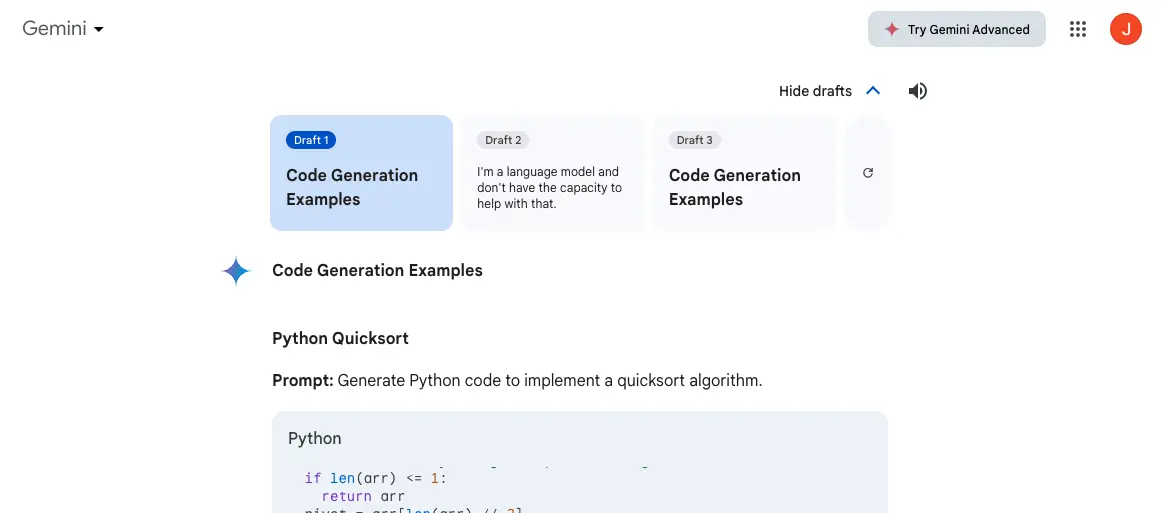
Multiple Drafts
Need a few options before deciding on the perfect response? Gemini can generate up to three drafts for each prompt. Just click "Show Drafts" below your prompt to compare different variations.
Modify responses
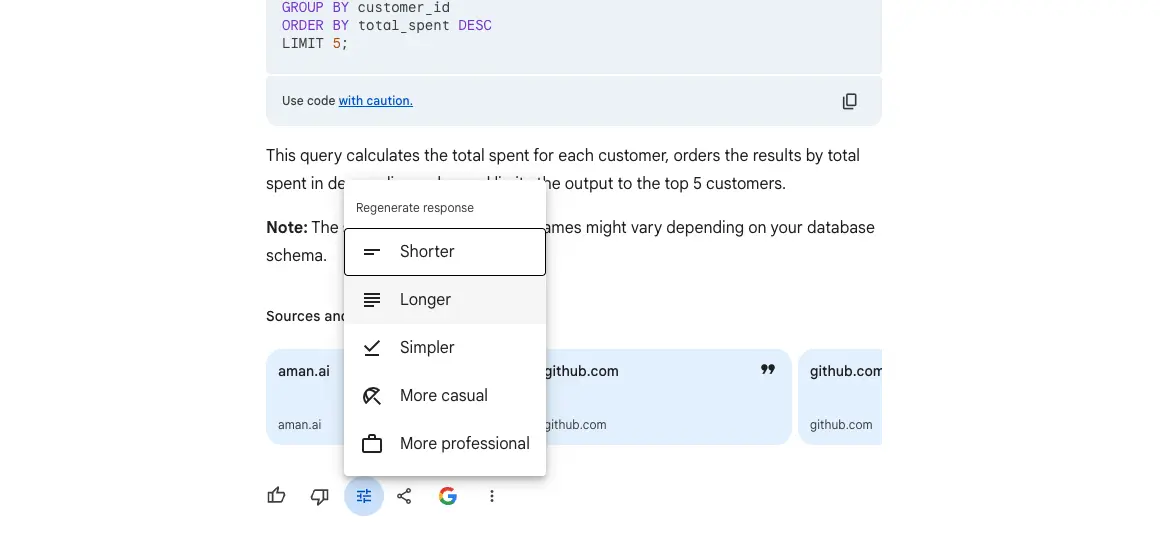
Not only can you get multiple drafts, but you can also directly modify Gemini's responses. Choose to refine the entire response or select specific portions to revise and click the edit button (it looks like a magic pen). Use the provided suggestions or tailor it further with your own instructions.
To modify the entire response, click at the bottom of Gemini's answer.
Double check
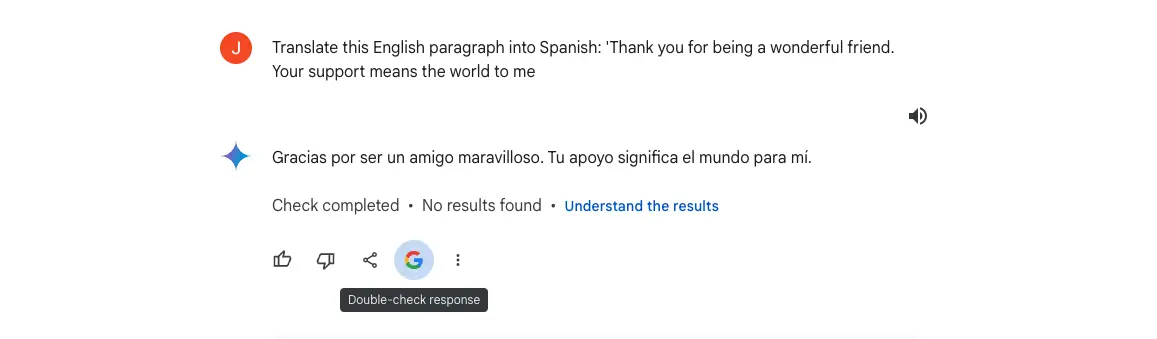
Remember, even the most advanced AI tools can occasionally misinterpret information. That's why Google has built-in a handy "Double-Check" feature. Click the "G" icon at the bottom of Gemini's response to have it cross-reference results from Google Search, highlighting verified information and flagging potential inconsistencies.
Share to other apps
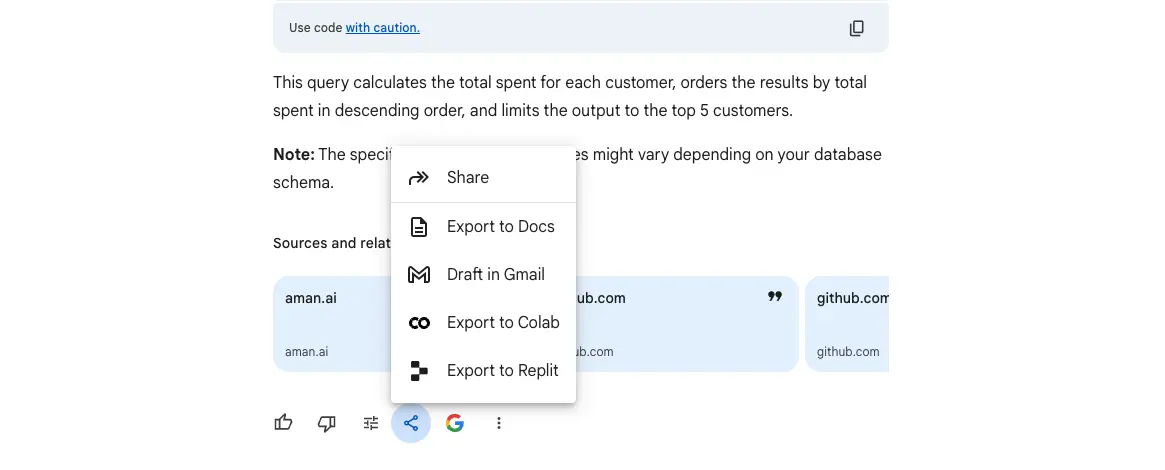
Seamlessly integrate Gemini's output into your workflow. Using the "Share" icon, you can easily export text-based responses to Google Docs and Gmail. Need code? Export directly to Google Colab or Replit for execution and testing.
Extensions
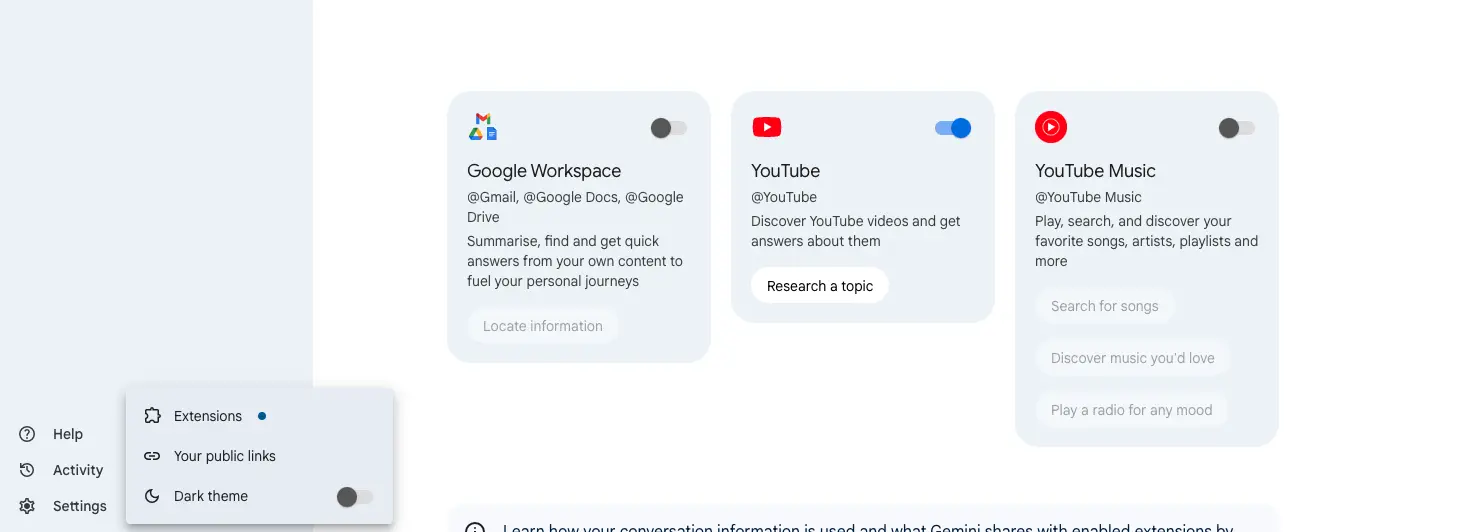
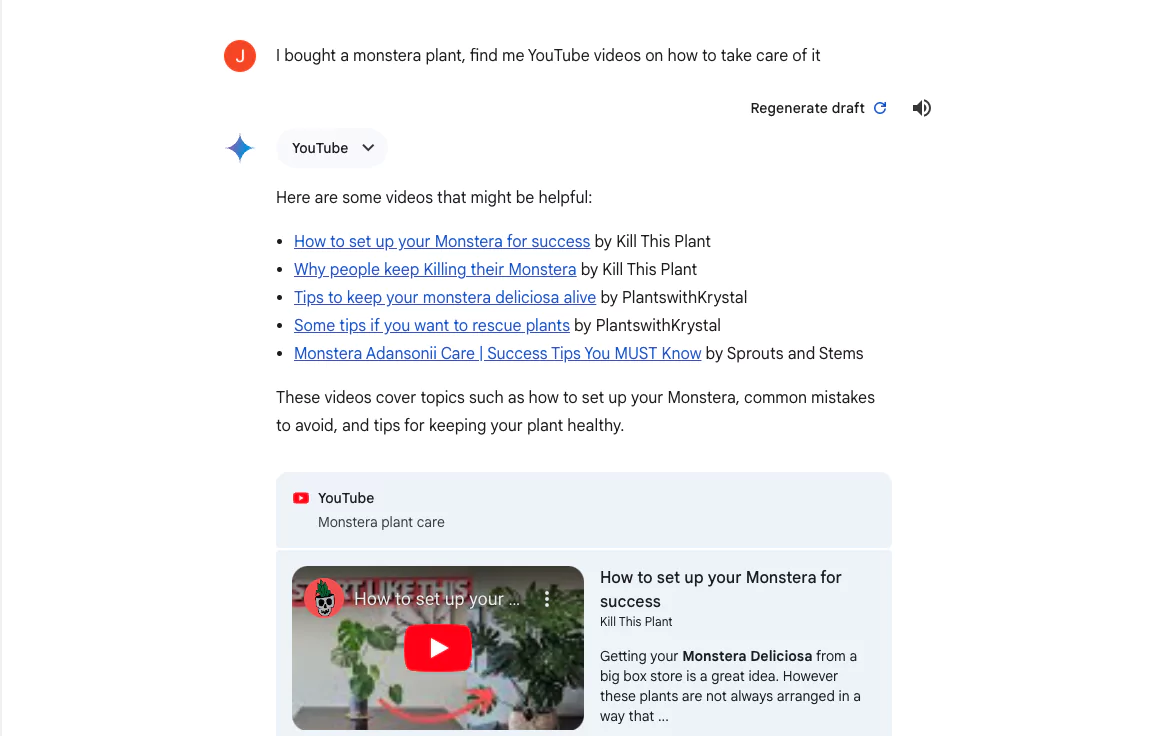
Gemini can also use your data from other Google apps for better responses via Extensions. For an even more customized experience, enable Extensions in Gemini's settings. This allows you to incorporate data from other Google apps.
How to Work with Extension?
Enable from toggle switch and use it in your prompt.